
Set up your revenue metric in the Shopify CrowAI app
Set up revenue tracking for your Shopify website
Connect Shopify App
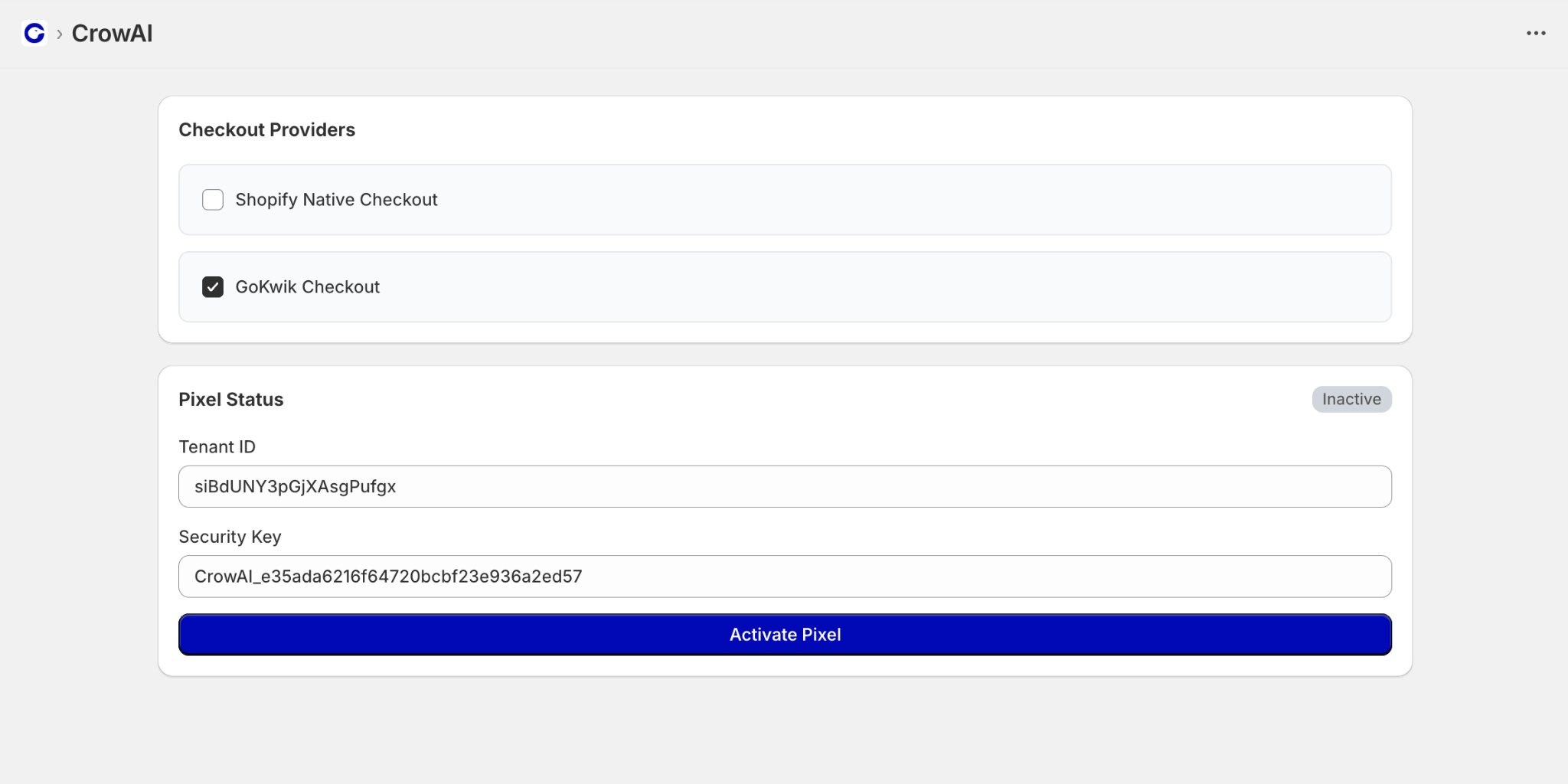
Select your Checkout Provider and add your Tenant ID and Security Key to CrowAI shopify app and click the Activate Pixel
Enable in Theme
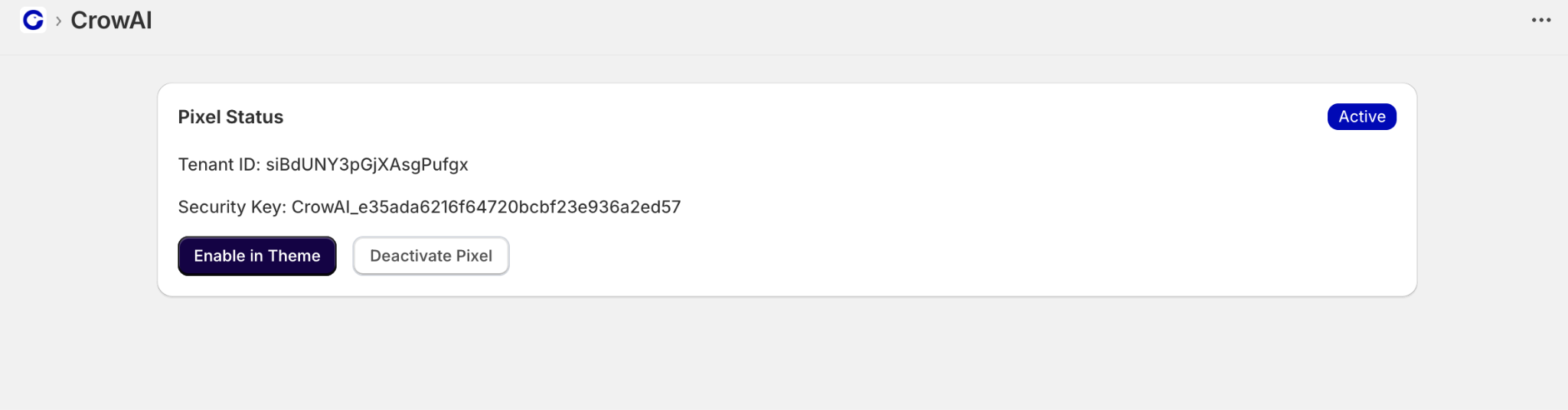
Click the 'Enable in theme' button
Enable App embeds
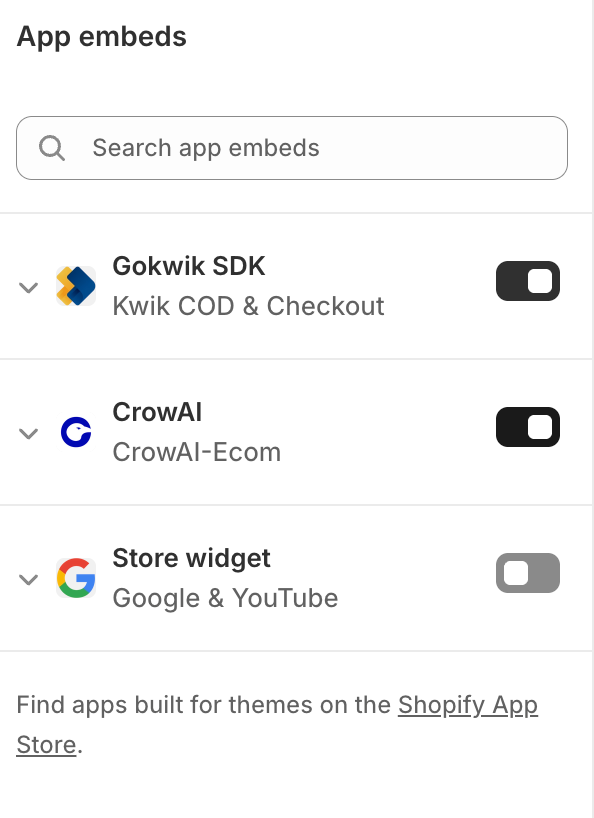
Under App embeds, toggle CrowAI on.
Now the Revenue Tracking is active for your Shopify Store